
Table of contents
Overview
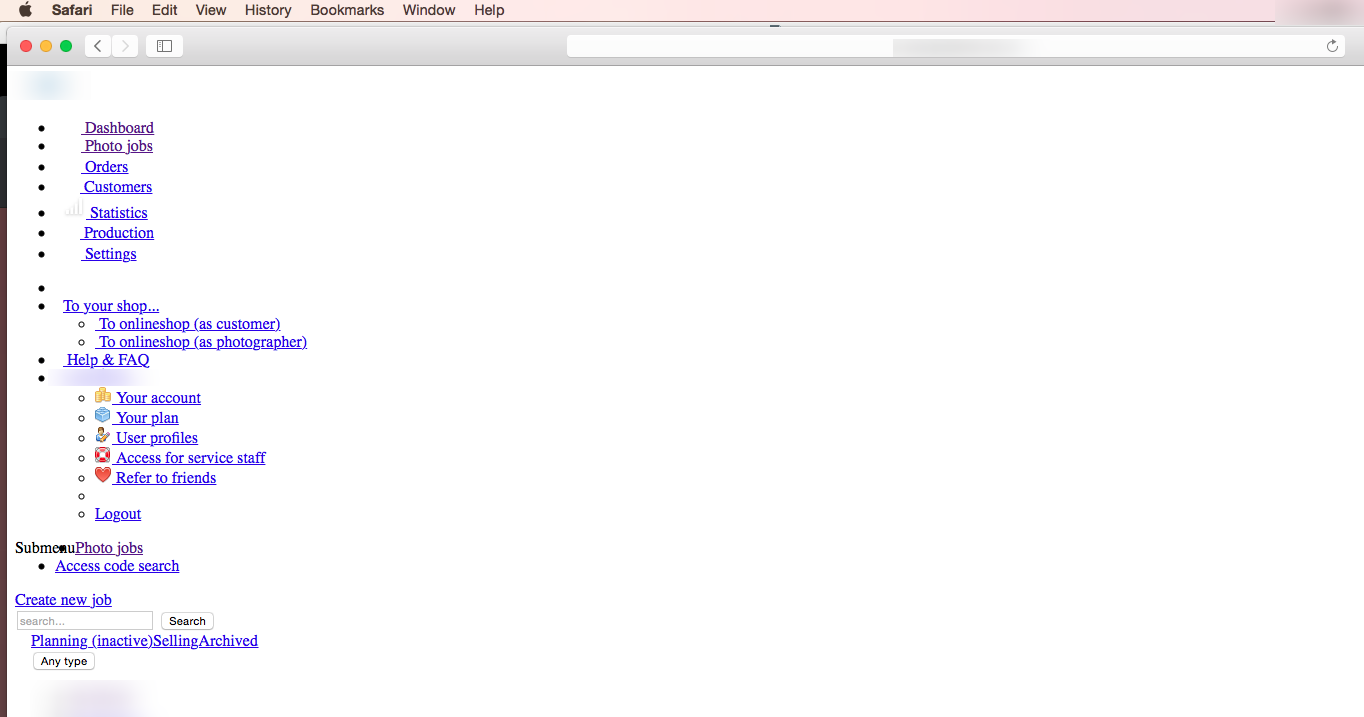
If your GotPhoto website layout doesn’t load properly after login, it may be due to a browser or system setting, or a temporary platform issue.
The issue: The layout fails to display as expected, showing a broken or incomplete interface.
Check GotPhoto status
First, confirm whether the issue is platform-wide by visiting the GotPhoto status page. If a known outage is listed, we are already working to resolve it.
Check browser JavaScript
If the issue is isolated to your device, it may be due to JavaScript being disabled in your browser. GotPhoto requires JavaScript to function properly.
Use this tool to check if JavaScript is enabled in your browser and follow the instructions provided to enable it if needed.
The takeaway
If your GotPhoto layout looks broken after logging in, check our status page first. If no issue is listed, verify that JavaScript is enabled in your browser to restore normal functionality.