
Overview
GotPhoto offers a fast AI-powered editing service via Perfectly Clear. This article covers how the service works, usage requirements, how to submit editing jobs, pricing, and turnaround times. If you are looking to save even more time in your workflow, you can also use Perfectly Clear’s automatic color correction directly during your photo upload to GotPhoto: Job Settings: Editing on Upload
Applied corrections
Perfectly Clear automatically applies the following corrections:
- Color correction
- Exposure correction
- White balance correction
You can select between two options:
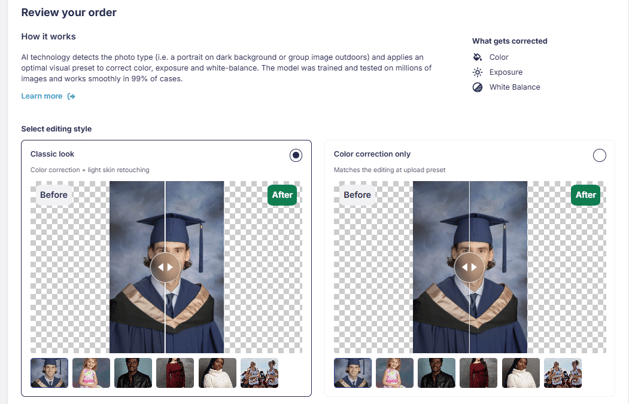
1. Classic look
Includes color correction and light skin retouching. This is the classic service we have offered since introducing Perfectly Clear.
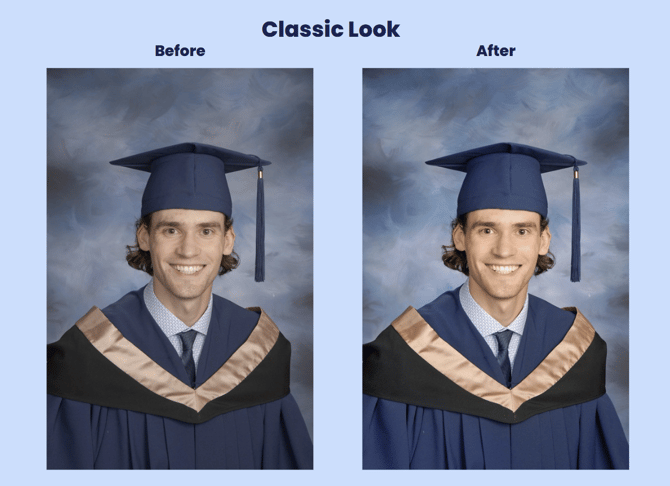
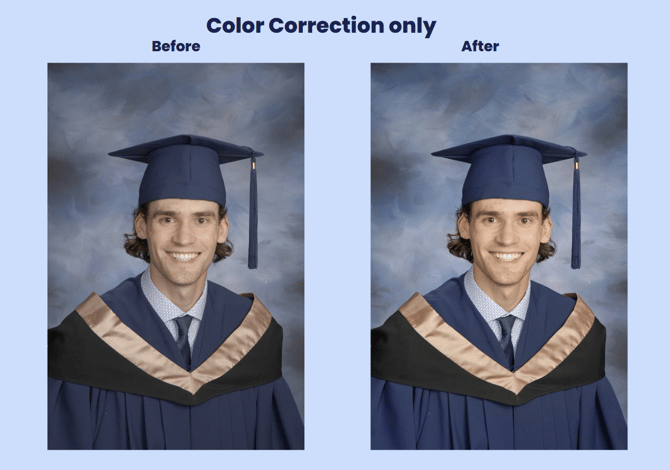
2. Color correction only
This service matches the color correction applied when you use our Editing at Upload service (Job Settings: Editing at Upload).
| Process |
|
| Supported files and photo types | Supported file types:
Supported photo types:
|
| Pricing | $0.02 (USD & CAD) / £0.02 per photo, billed via your monthly GotPhoto invoice. |
| Turnaround time | Edits are typically completed within 2–15 minutes. |
Process
- 1Make sure you’ve activated your access codes.
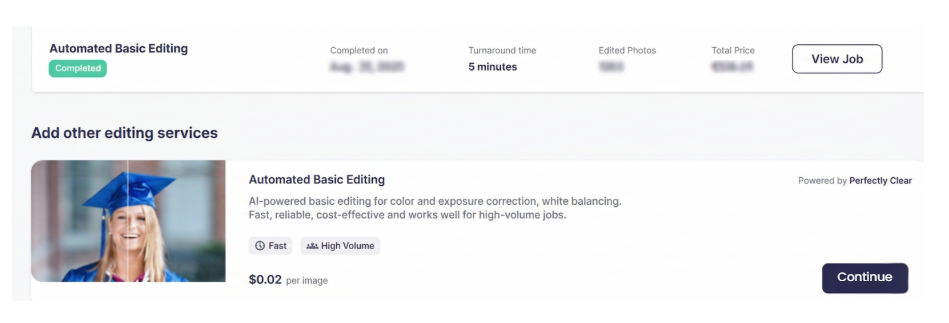
- 2In your photo job, go to the Photo Editing tab, locate the Automated Basic Editing section, and click Continue.

- 3Review the fee summary and estimated turnaround time, then click Place order.
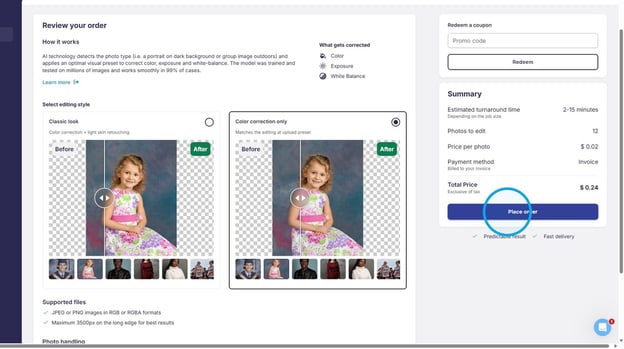
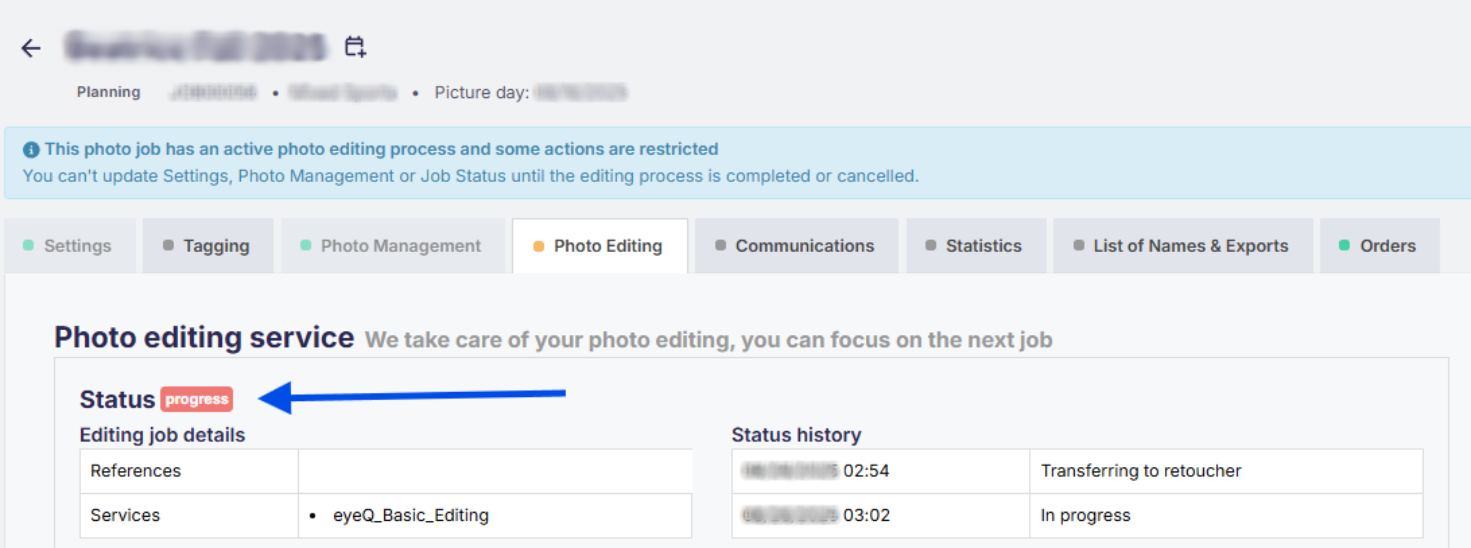
- 4While the edits are processing, you’ll see the status marked as processing. During this time, editing settings and photo management are locked.
- 5You will receive a notification when the editing is complete.
- 6The edited photos automatically replace the originals in your GotPhoto platform.
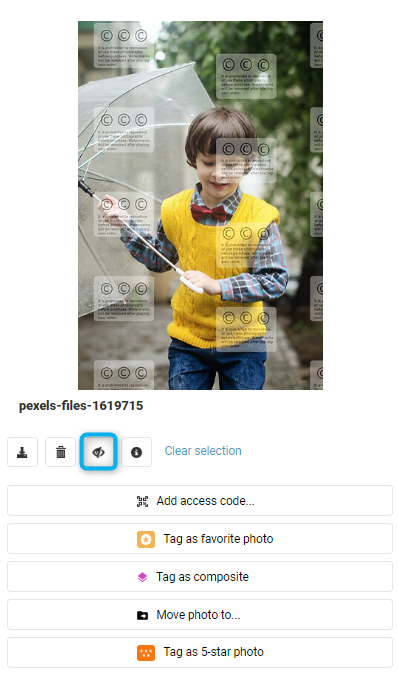
- 7If editing another batch, be sure to hide previously edited photos to avoid reprocessing charges. Click the hide button in the Photo Management tab. Alternatively, use the Make-up day feature and request the service for additional pictures on your makeup day.
The takeaway
GotPhoto’s integration with Perfectly Clear offers a powerful and fast solution for photo corrections. With an intuitive process, competitive pricing, and quick turnaround, it’s a great option to elevate the quality of your jobs - automatically and efficiently.
Related articles: