
Table of Contents
Overview
Download links for digital products remain active for up to 6 weeks from when an order is placed. Customers are informed of this timeframe in the automatic email they receive once their download is available.
If a download link expires, you have two options to renew it: either on the customer’s side or on your side as the photographer.
Option 1: Customer renews the link
Customers can renew their own link directly from their order page:
- 1The customer clicks the Zip file download button on their order overview page.
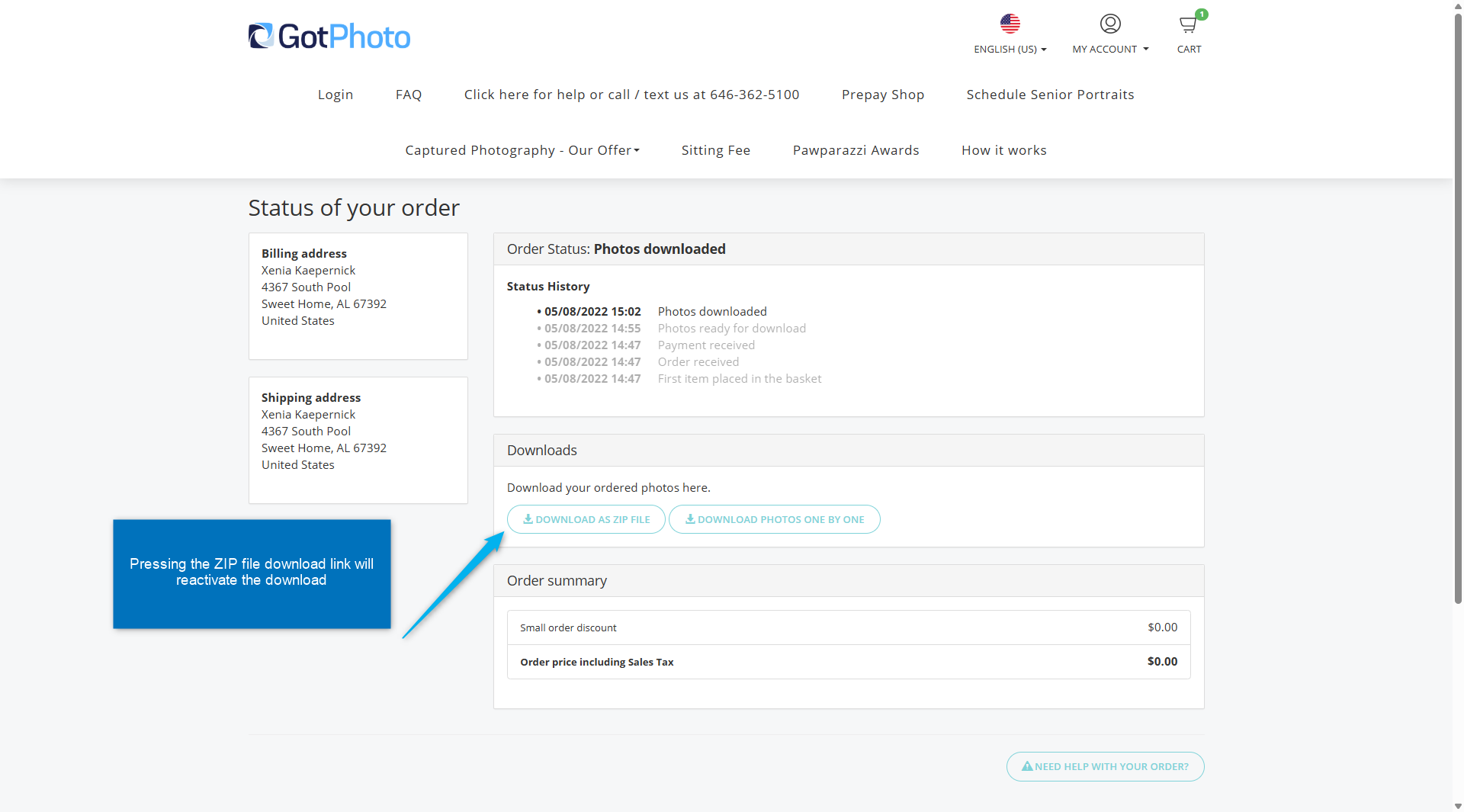
- 2Shortly afterward, they receive an automatic email with the renewed download link.
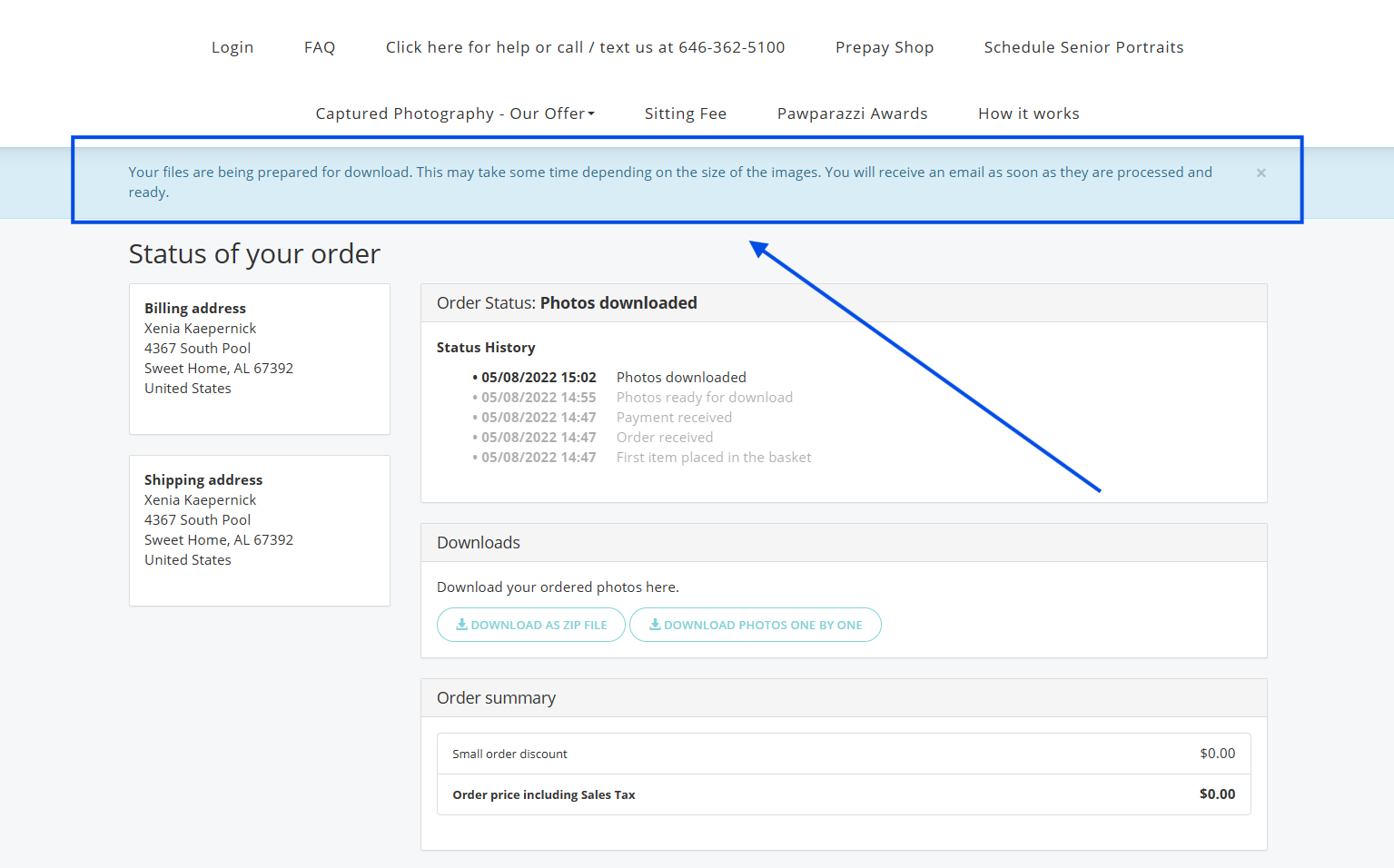
Tip: We recommend adding this information to your shop FAQ page to reduce support requests.
Option 2: You renew the link
If the customer cannot renew the link themselves, you can re-enable it:
- 1Go to the Orders page.
- 2Under the Actions menu, disable the current download link.
- 3Once disabled, the Renew download link button will appear. Click it to reactivate the link.